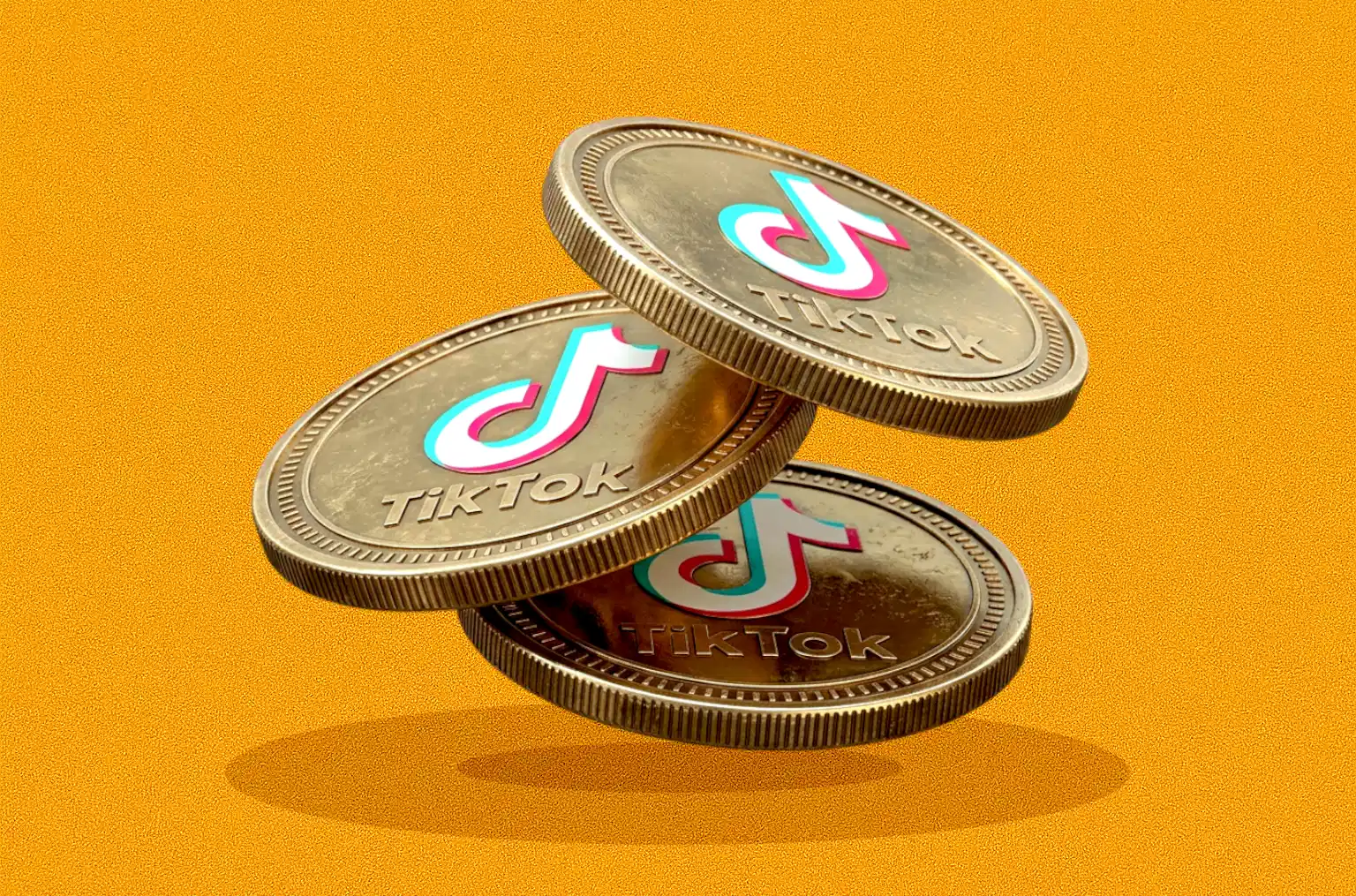
You’re watching a LIVE, the host is mid-conversation, and gifts keep floating across the screen. Someone sends a lion. Someone else sends a rose. The host reacts every time. Behind all of that is a single currency: TikTok coins.
If you’ve wondered what they actually are, what they cost, and whether they’re worth buying, this guide covers it. It also covers how the money reaches creators, which most guides skip.
What Are TikTok Coins?
TikTok coins are a virtual currency you buy with real money inside TikTok. You can’t spend them on products or withdraw them as cash. Their main job is to buy virtual gifts, which you send to creators during LIVE broadcasts and, in some regions, on certain video features.
Think of them as arcade tokens. You pay real money for the tokens, and the tokens only work inside TikTok.
Coins are not the same as the money creators earn. When you send a gift, the creator receives a separate currency called Diamonds, which they can later convert into cash through TikTok’s payout system. The conversion rules and TikTok’s share of the revenue are set by TikTok and can change, so treat any specific percentage you see online with caution unless it comes from TikTok itself.
Why People Buy Them
Most people buy coins for one of three reasons:
- To support a creator they like. A gift is a small tip. It says “I enjoy this” in a way a like button doesn’t.
- To get noticed. Gifts often trigger an on-screen animation and a shout-out. In busy LIVE rooms, that can be the only way a comment stands out.
- To take part in LIVE features. Some creators run challenges, battles, or goals that depend on gifts. Viewers who want to help their favorite side win spend coins to do it.
None of these is a bad reason. But gifting is entirely optional, and no creator needs you to spend money to be a good viewer. Watching, commenting, and sharing all help for free.
How to Buy TikTok Coins
There are two common routes.
1. Inside the app. Open your profile, go to the menu, and look for the option to recharge or buy coins. Choose a bundle and pay. The coins show up in your balance almost immediately.
2. Through TikTok’s official web recharge page. TikTok offers a coin recharge option on its website in many regions. Prices there are often lower than in-app prices, because in-app purchases on iPhone and Android usually include app store fees. The difference varies by country and changes over time, so compare both before buying.
Whichever route you use, a few ground rules apply:
- Only buy through TikTok’s own app or its official website.
- Check the price in your local currency before confirming.
- Use a payment method you can monitor, and keep the receipt.
- Never share your password or login codes with anyone offering a “discount.”
Common Mistakes to Avoid
Trusting “free coin” generators. These sites and videos promise unlimited coins in exchange for your username or a survey. They don’t work. The best case is wasted time. The worst case is a stolen account or malware. TikTok coins can only be created by TikTok.
Buying from third-party sellers. Some sellers on social media offer coins at steep discounts. Coins bought this way are often paid for with stolen cards. When the real cardholder disputes the charge, your account can be restricted or banned.
Spending in the heat of the moment. LIVE rooms are designed to feel urgent. Battles, countdowns, and public shout-outs make it easy to spend more than you planned. Decide on a limit before you open the app, not while the timer is running.
Letting kids buy unsupervised. Children can drain a card quickly without realizing the coins cost real money. Turn on purchase protections in the device’s app store settings and review TikTok’s family tools if a young person uses your account.
Assuming coins can be refunded. Policies vary by region and situation, but virtual currency is generally treated as final once purchased and spent. Expect to keep what you buy.
How Creators Actually Get Paid
When you send a gift, the creator’s balance grows in Diamonds. Those Diamonds can be converted to cash and paid out, usually after meeting eligibility requirements such as follower counts, age limits, and region-based rules.
Here’s the part many viewers don’t realize: the creator does not receive the full amount you paid. TikTok keeps a share, and app store fees may also apply to in-app purchases. The exact split isn’t something worth quoting from memory, because it can change. If you want to know how much a gift really supports a creator, TikTok’s official creator documentation is the place to check.
That’s one reason some viewers prefer other ways to support creators they like, such as subscriptions, memberships, or buying from a creator’s own shop.
Expert Tips for Using Coins Sensibly
- Set a monthly budget. Treat gifting like any other entertainment spending, and stick to the number.
- Start with a small bundle. You don’t need a large pack to try gifting. Buy a little and see whether you enjoy it.
- Compare the web price with the in-app price. It takes two minutes and can save a noticeable amount over time.
- Support creators in other ways first. Following, commenting, and sharing cost nothing and still help.
- Review your purchase history now and then. Small buys add up, and a quick check keeps surprises away.
- Keep your account secure. Use a strong, unique password and turn on two-step verification, since your coin balance is only as safe as your login.
Frequently Asked Questions
Can I get TikTok coins for free?
Not in any reliable way. TikTok occasionally runs promotions or rewards in some regions, but websites offering unlimited free coins are scams.
Are TikTok coins the same as Diamonds?
No. Coins are what viewers buy. Diamonds are what creators receive when gifts are sent. Diamonds can be converted to cash under TikTok’s payout rules.
Can I turn my TikTok coins back into money?
No. Coins can’t be cashed out or transferred to a bank account. Only creators’ earnings can be withdrawn.
Why is the price different on the website and in the app?
In-app purchases usually carry app store fees, which can raise the price. The web recharge option often avoids that. Availability and pricing depend on your region.
Do coins expire?
Policies can differ, and they may change. Check the terms shown at purchase and in TikTok’s help center rather than relying on a general answer.
Is it safe to buy TikTok coins?
It’s safe when you buy directly from TikTok, either in the app or on its official website. The risk comes from third-party sellers, discount offers, and anyone asking for your login details.
Can I get a refund for coins I bought by mistake?
Sometimes, but don’t count on it. Contact TikTok support quickly, and if you paid through an app store, check that store’s refund process as well.
How much should I spend on gifts?
Only an amount you wouldn’t miss. There’s no expected minimum, and no creator is owed your money.
Final Thoughts
TikTok coins are simple once you separate the pieces: you buy coins, coins become gifts, and gifts become Diamonds for the creator. It’s a straightforward way to show appreciation, and it can make LIVE sessions more fun.
It’s also a spending habit worth keeping under control. Buy from official sources, compare prices, and ignore anything that promises coins for free. If you do those three things, you’ll avoid nearly every problem people run into with TikTok coins.

