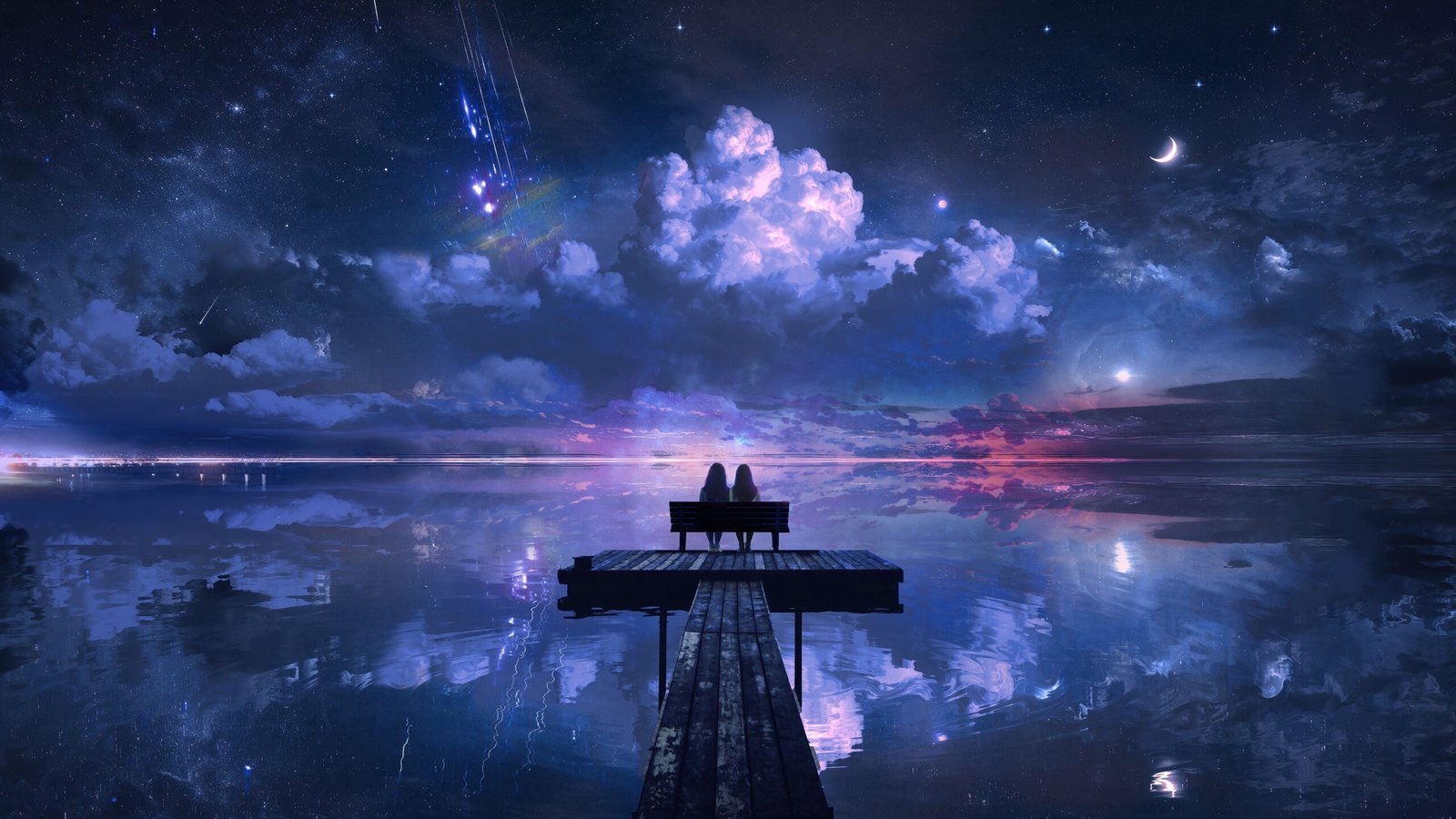
You look at your wallpaper dozens of times a day, mostly without noticing. That’s the problem. Most people pick one in a hurry, live with a blurry or badly cropped image for two years, and never think about it again.
Good Cool Wallpapers do more than look nice in a preview thumbnail. They fit your screen, keep icons readable, and still feel fresh after the first week. This guide covers where to find them, what makes one work, and how to avoid the mistakes that make a great image look bad on your actual device.
What Makes a Wallpaper “Cool”?
“Cool” is personal. A moody city skyline, a minimalist gradient, and a high-resolution photo of the Milky Way can all qualify. But the ones that hold up share a few traits.
- Clear focal point. The eye needs somewhere to land, even if it’s a single mountain or a small light in a dark scene.
- Breathing room. Busy images fight with app icons and widgets. Wallpapers with quiet areas, like sky, water, or shadow, are easier to live with.
- Sharpness at your resolution. A beautiful image stretched past its native size looks soft and slightly dirty.
- Colors you can tolerate daily. Saturated neon looks great for a day. Muted tones usually last longer.
A wallpaper is a background, not a poster. If it demands attention, it will annoy you by Friday.
Where to Find Cool Wallpapers
Sources differ a lot in quality, licensing, and how many ads they throw at you.
Photography sites. Unsplash, Pexels, and Pixabay offer free photos you can use for personal purposes under their own licenses. The quality is generally high, and you can download at full resolution. Their search tools also let you filter by orientation, which matters for phones.
Wallpaper communities. Wallhaven is popular on desktop because it lets you search by exact resolution and aspect ratio. Reddit communities dedicated to Cool Wallpapers are good for discovery, though quality varies and you should check whether the artist is credited.
Museum and space archives. Many museums, including the Metropolitan Museum of Art and the Rijksmuseum, publish open-access images of paintings and objects. NASA’s image library has a huge range of space photography. Check each collection’s usage terms, but these are some of the most distinctive options available, and you won’t see them on everyone else’s screen.
Built-in options. Windows Spotlight, macOS’s dynamic wallpapers, and the default sets on recent Android and iPhone releases are better than their reputation. They’re already sized for your device.
Wallpaper apps. Some are excellent, but many are cluttered with ads, push subscriptions, or request more permissions than a wallpaper app could possibly need. If you use one, read recent reviews and skip anything that asks for access to your contacts or location.
How to Choose Cool Wallpapers That Actually Work on Your Screen
This is where most people go wrong. The image looks stunning on the website, then looks wrong once it’s behind your icons.
Match the aspect ratio first. Phones today are tall and narrow, so a landscape photo gets cropped hard. Download a portrait version or pick an image where the subject sits near the center. Desktop monitors vary: standard 16:9, ultrawide, and laptop screens each crop differently.
Check the resolution. Look up your screen’s native resolution in your device settings. Common desktop sizes include 1920×1080, 2560×1440, and 3840×2160 (4K). Choose an image at least that large. Bigger is fine; smaller will look soft.
Think about your layout. On a phone’s lock screen, the clock sits at the top, so a subject in the upper third gets covered. On a desktop, icons tend to cluster on the left side. A wallpaper with its interesting detail on the right can suit that layout.
Consider your screen type. On OLED phones, true black pixels are switched off, so very dark wallpapers can look especially deep and may use slightly less power. The savings are modest, so choose it for how it looks, not as a battery fix.
Test before committing. Set it, then actually use the device for a day. Open your usual apps over it. Many wallpapers fail this test.
Popular Styles and What They’re Good For
- Nature and landscapes. Safe, calming, and easy on icons. Misty forests and coastlines tend to age well.
- Minimalist and gradient. Excellent for readability and clean home screens. Less memorable, which is sometimes the point.
- Space and astronomy. Dark backgrounds make icons pop. Look for real photographs rather than heavily processed art if you prefer a natural look.
- Abstract and 3D art. Eye-catching, but check for banding in smooth gradients, which shows up on cheaper displays.
- Cityscapes and architecture. Strong lines and good contrast. Night shots often work best.
- Illustration and anime-style art. Huge variety. Respect the artist: use official releases or sources that credit them, rather than random reposts.
- Fine art. A detail crop from a painting can look surprisingly modern and fresh.
Common Mistakes
Downloading the thumbnail. Many sites show a small preview and hide the full-resolution file behind a button. Always open the original.
Ignoring licensing. Setting an image as your own wallpaper is generally fine. Posting it, reselling it, or using it in a design project is a different matter. Check the license.
Choosing by first impression. A busy, high-contrast image wows you for ten seconds. Pick what you can still stand in a month.
Using auto-fill or stretch settings. Operating systems offer fill, fit, stretch, and center options. Stretch distorts the image. Fill crops it. Choose deliberately.
Trusting sketchy download sites. If a page throws multiple pop-ups or insists you install a “downloader,” close it.
How to Set a Wallpaper
- iPhone: Settings → Wallpaper → Add New Wallpaper, then choose a photo and adjust the crop.
- Android: Long-press the home screen → Wallpaper & style (menu names vary by brand).
- Windows: Right-click the desktop → Personalize → Background.
- Mac: System Settings → Wallpaper.
Menu names shift between software versions, but these paths are a reliable starting point.
A Few Practical Tips
Build a small folder of favorites and rotate them. Many people find that changing the wallpaper every few weeks keeps their device feeling new. Windows and some Android phones can rotate images automatically from a folder.
If you share a screen or work in public, keep it neutral. And if you find an image you love at a low resolution, try searching for the artist’s name or the photographer’s profile. The original is often available in much higher quality.
Frequently Asked Questions
Are free wallpaper sites safe?
Mostly, if you stick to established ones such as Unsplash, Pexels, or museum archives. Avoid sites that force software installs or flood you with pop-ups.
What resolution should I download?
Match or exceed your screen’s native resolution. You’ll find it in display settings. For phones, search for your exact model plus “wallpaper size.”
Can I use any image I find online?
For personal use as a background, usually yes in practice, but ownership still belongs to the creator. For anything public or commercial, check the license.
Why does my wallpaper look blurry?
Typically the image is smaller than your screen and is being stretched. A compressed preview file can cause it too. Download the original-size version.
Do dark wallpapers save battery?
Only on OLED displays, and the effect is small. On LCD screens, there’s essentially no difference.
What are the best cool wallpapers for a minimalist look?
Soft gradients, single-color textures, and simple landscapes with lots of empty space. They keep icons easy to read.
How do I stop my wallpaper from clashing with my icons?
Pick an image with a calm area where icons sit, or add a slight blur or dimming if your device offers it.
Is it okay to use AI-generated wallpapers?
Yes, many are visually striking. Check for odd details and artifacts when you zoom in, and look at the generator’s terms if you plan to share them.
Final Thoughts
The best cool wallpapers aren’t always the flashiest ones. They’re the ones that fit your screen, respect your layout, and still look good after the novelty fades. Start with a reliable source, download at the right size, and live with the image for a day before deciding. If it still works, keep it. If not, you now know what to look for next time.